

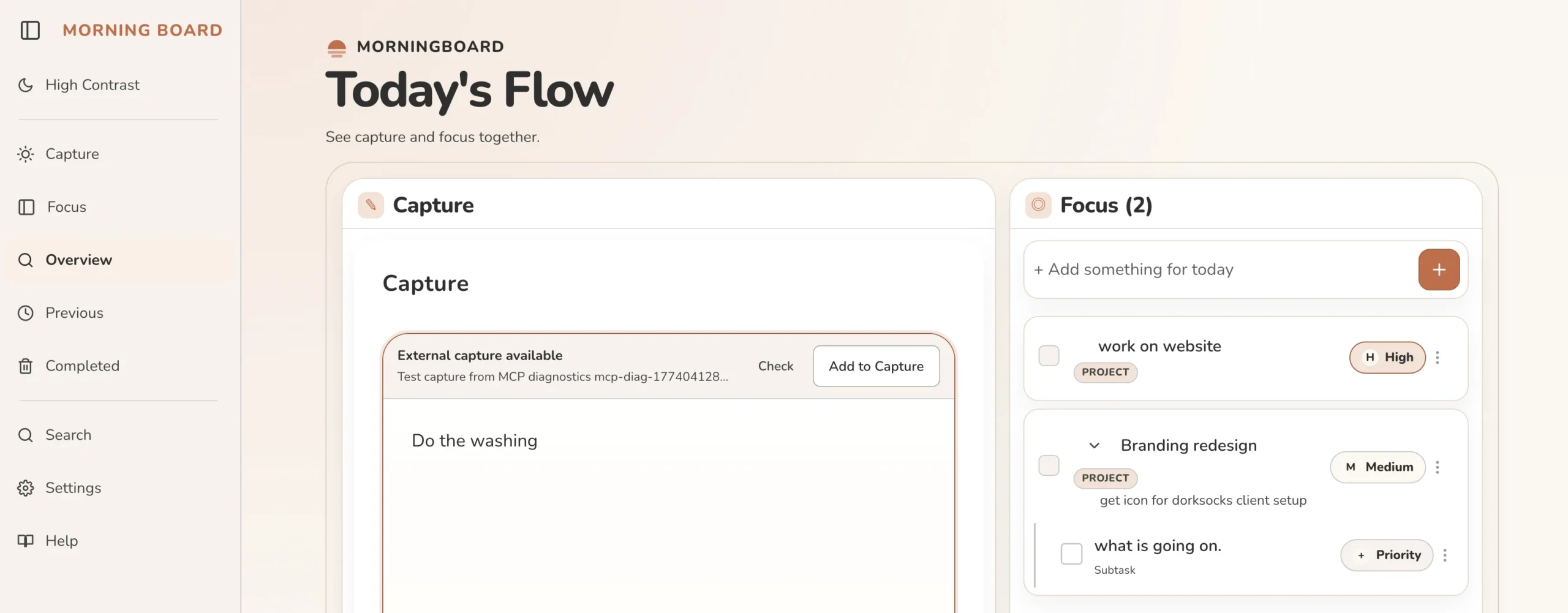
A list can help.
It can also become the problem.
A lot of people write themselves a to-do list. It's a good habit. The problem comes over time: not everything gets done, the list carries over, and slowly it shifts from a tool that helps you focus into a record of everything you haven't done yet. Open it on a hard week and it's crushing.
The opposite problem is paralysis by choice — a blank slate with nothing to guide you, too many options, and a brain that can't decide where to start.
Most productivity tools are designed for a particular kind of organised, linear thinker. If that's not your natural cognitive style, the tool adds friction instead of removing it.
Capture freely. Focus when you're ready. Start fresh without being punished by yesterday's list. — MorningBoard product principle
Two modes.
One deliberate list.
MorningBoard is built around Capture and Focus — two separate modes that respect the difference between getting things out of your head and deciding what to work on.
No categories, no required priority matrix, no automatic backlog wall. The app helps people decide what belongs on the next list without turning unfinished work into a guilt ledger.
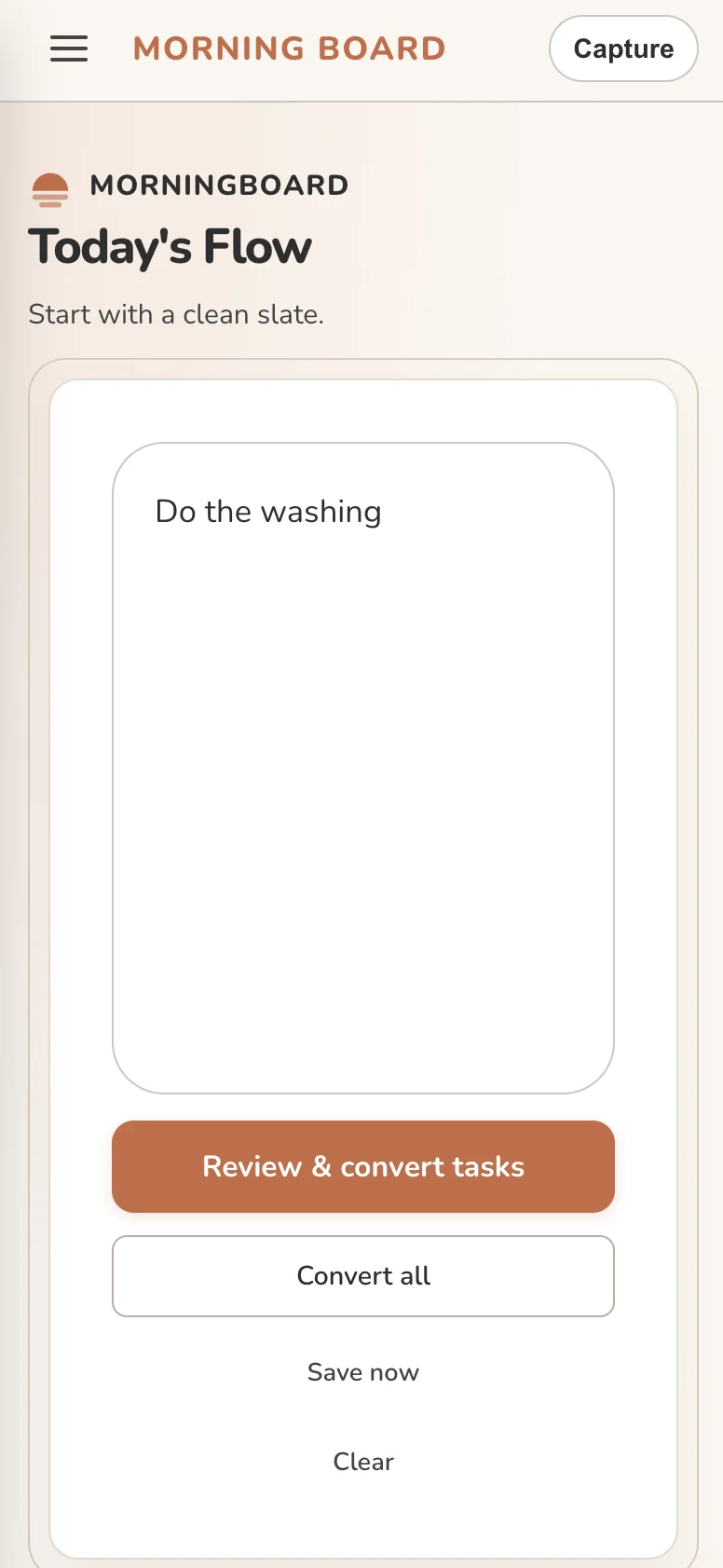
Built for people whose thinking does not fit neatly into folders.
MorningBoard was built for people who write a to-do list and still feel behind. For people who open a task manager, feel immediately overwhelmed, and close it again. For people whose thinking doesn't fit neatly into folders and priority matrices.
It's neuroaffirming in its design — built to support people who think non-linearly, find high-structure systems exhausting, or just need a different relationship with their own to-do list. You don't need a label to belong here.
Productivity tools should reduce cognitive load, not perform discipline.
A working tool shaped by real use.
MorningBoard is shaped by real use, community feedback, and the kinds of problems people bring to it.
The feedback link is built into the app so the product can keep learning from the people it is meant to support.
- Capture mode
- Focus mode
- Local-first data
- Fresh planning sessions